Sample Stego Images 2
(This page
contains huge
images and takes very long time to display all.)
This page contains six stego images (already information
embedded images). They are good material for your extracting test. Download
"Qtech Hide & View" program first,
then use its "Information Extracting " module.
If you are browsing this page by Internet Explorer,
just try to drag & drop each image directly from
this page onto the downloaded Information
Extracting program. If you are using some other browser, you may copy each image
onto Desktop first, and then drag & drop it to the
program. Select "As it is" option in most cases, but in some
case you may try selecting "Link to Web" option.
<Large stego images>
|
 |
 |
|
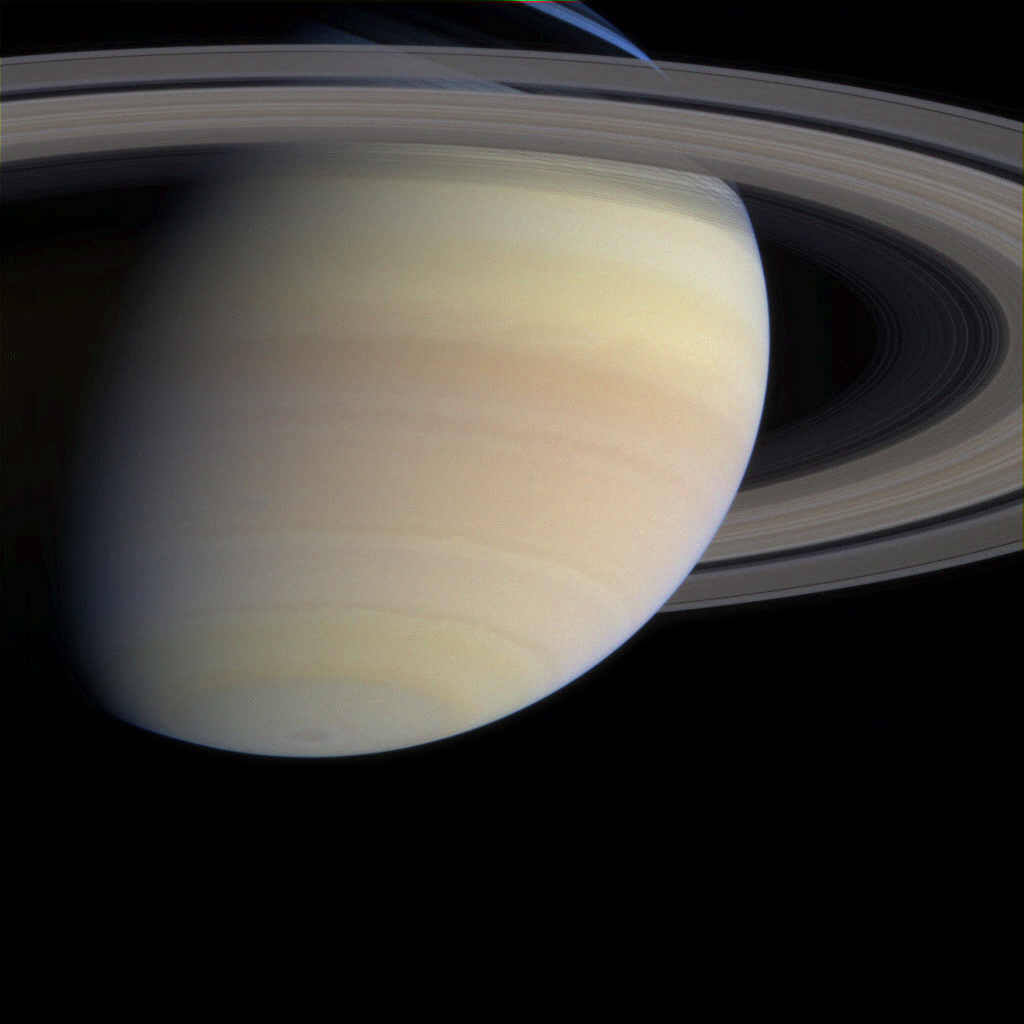
saturn.emb.bmp
(3,073KB)
No Access Key needed.
Complexity
threshold = 40 |
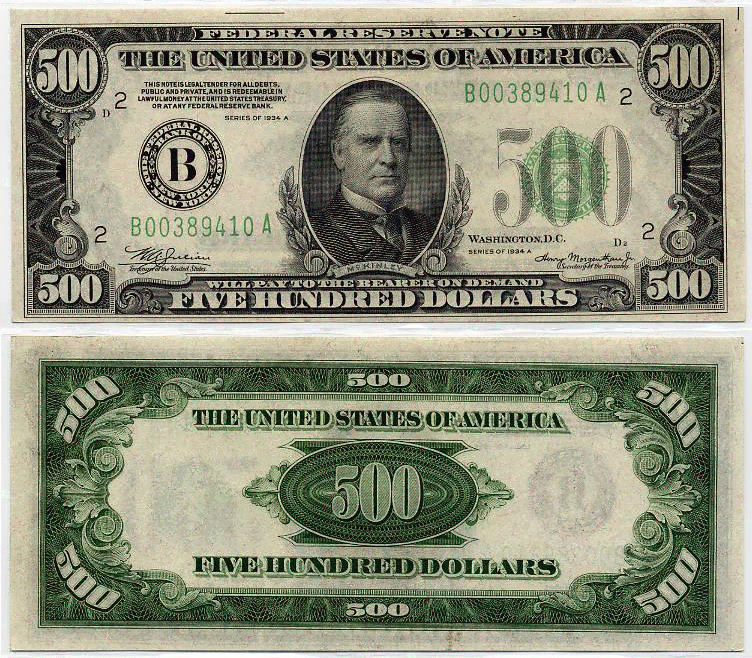
usdollar.emb.png
(1,224KB) No Access Key needed.
Complexity
threshold = 40
(You can extract
9 times
"recursively." In that case, you move each extracted image
to Desktop and retry extracting.)
|
<Very large image files> It will
take a very long time to extract.
|
 |
 |
|
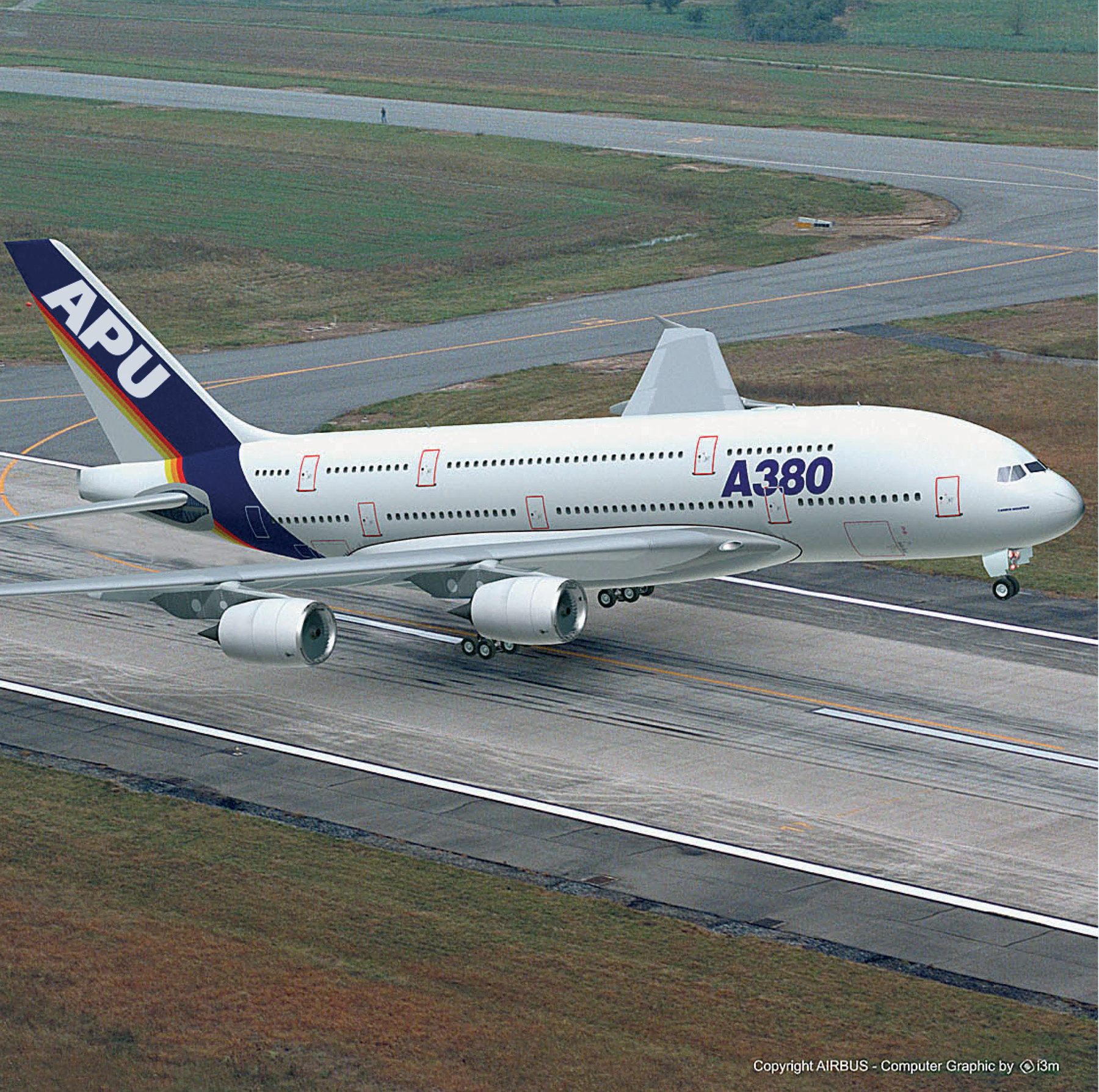
airbus.emb.png
(6,093KB)
No Access Key needed.
Complexity
threshold = 40 |
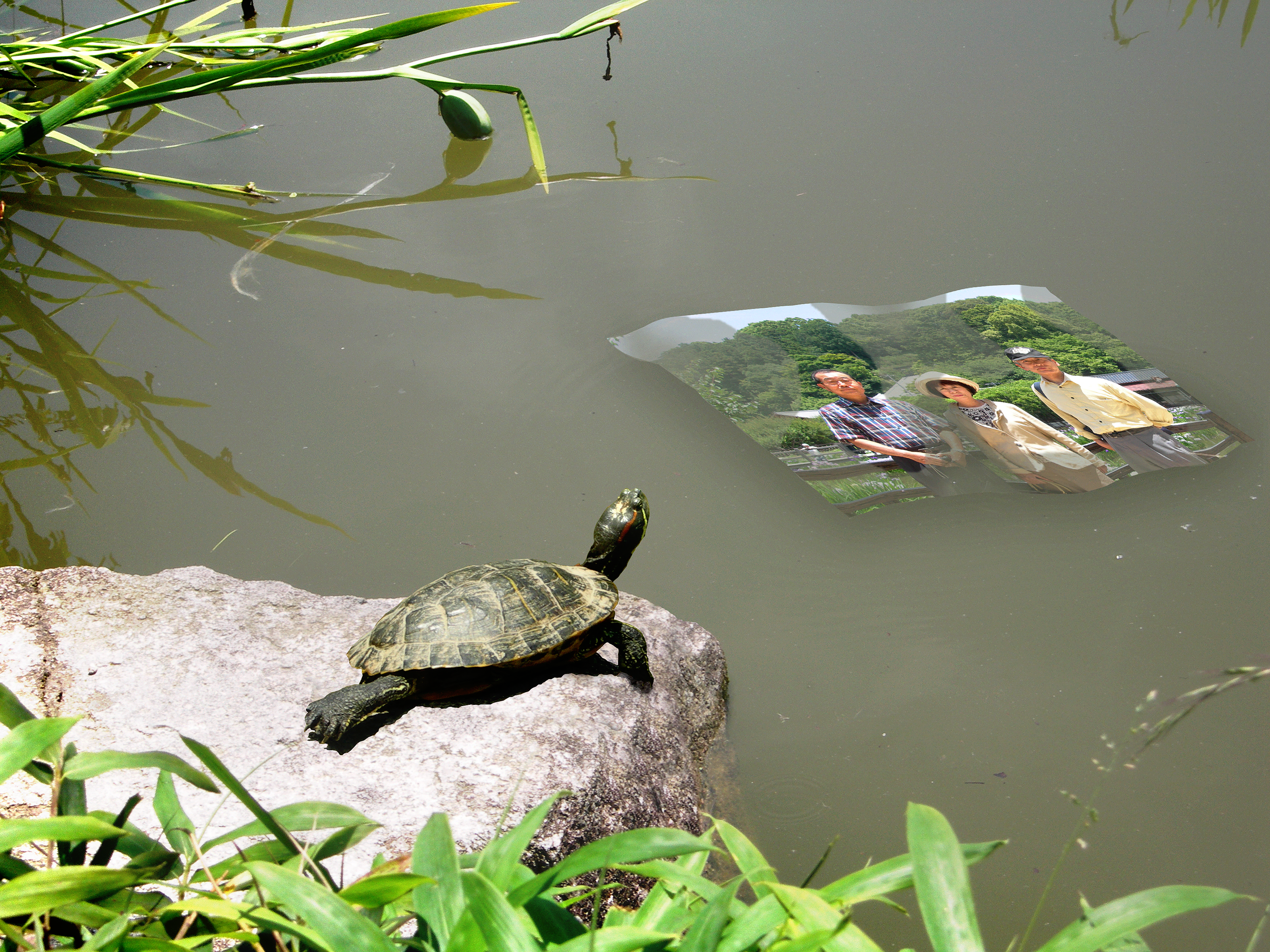
turtle.emb.png
(13,995KB)
No Access Key needed.
Complexity
threshold = 40 |
<Access Key needed>
You
must use the Access Key as indicated.
|
 |
 |
|
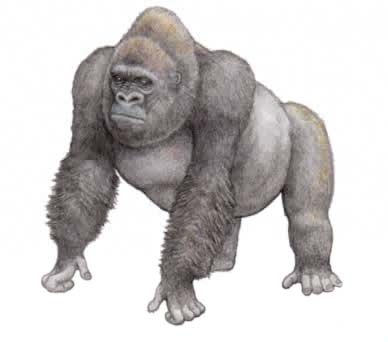
k-gorilla.emb.jpg
(12KB)
Access Key is
the same as this file name.
Complexity
threshold = 40 |
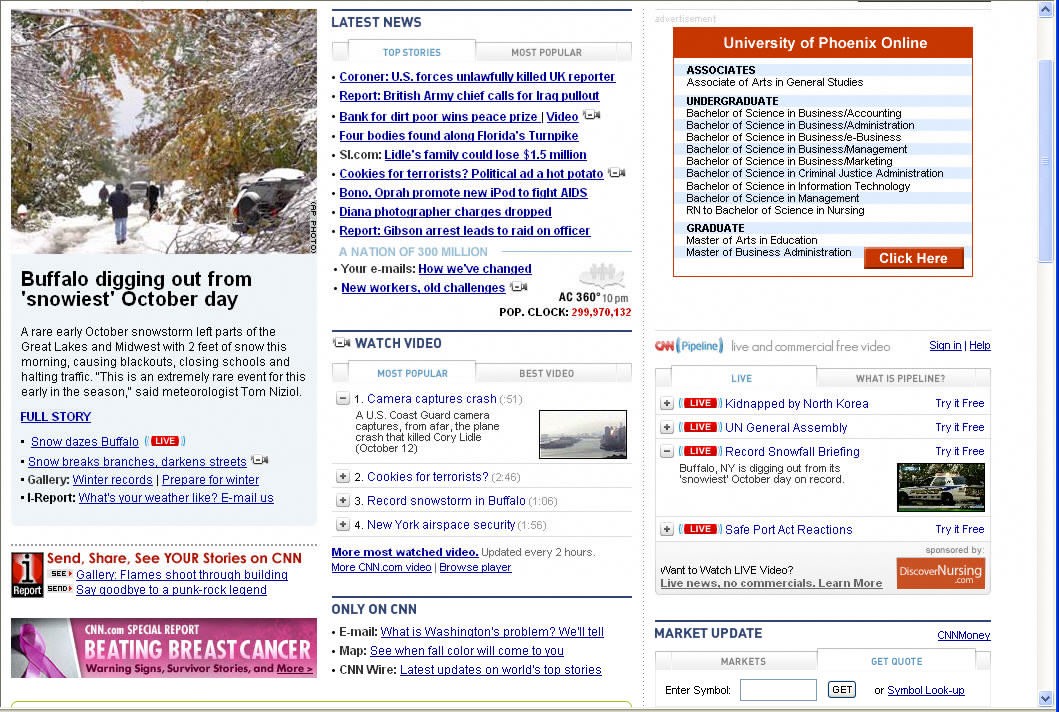
k-webpage.emb.jpg
(278KB) Access Key is the same as this file name.
Complexity
threshold = 40 You may select "Link to Web" option.
Please don't be
confused when you see the extracted page. |
Back to Home
(Updated on Mar. 30, 2011 by Eiji Kawaguchi)